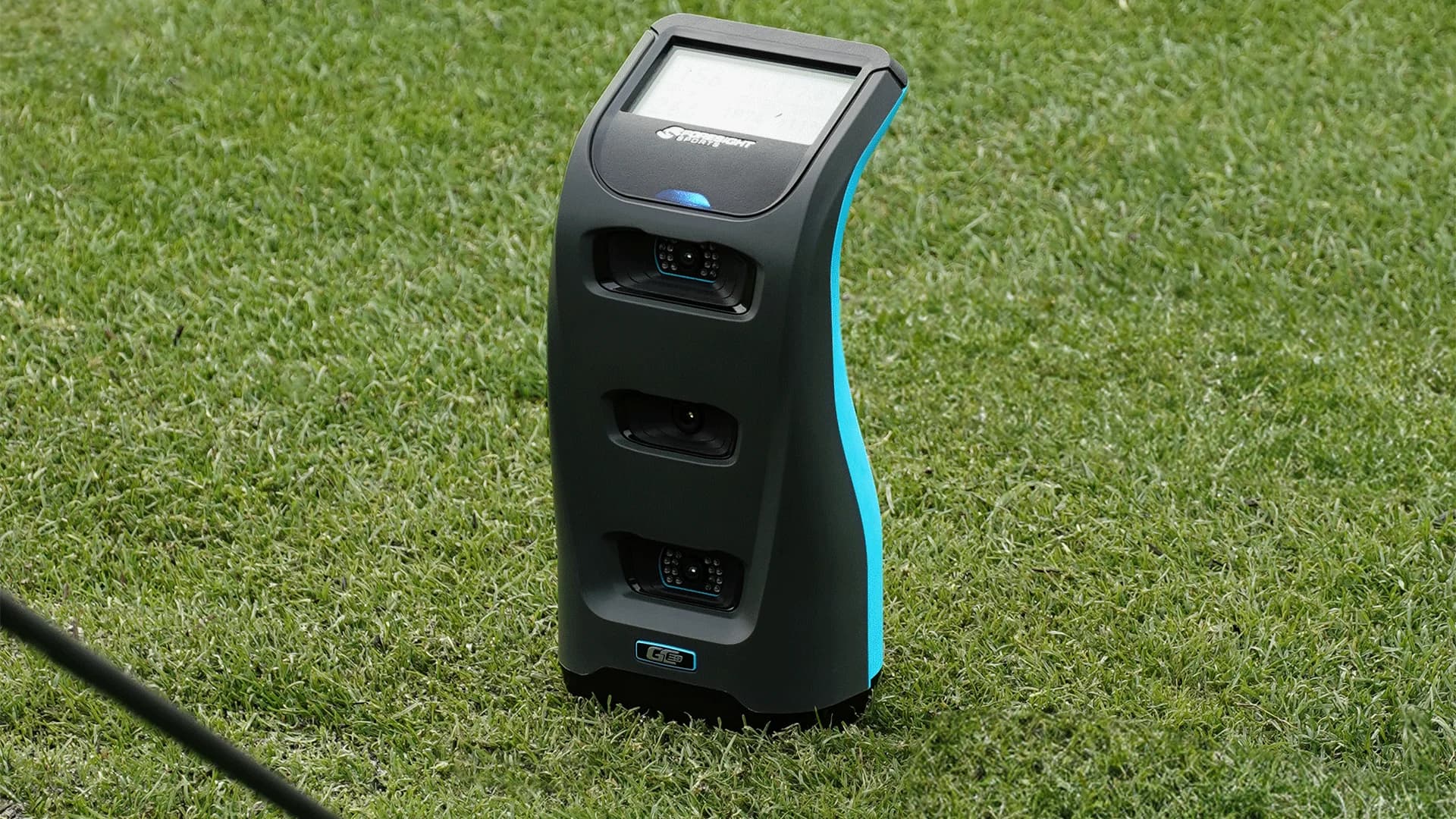
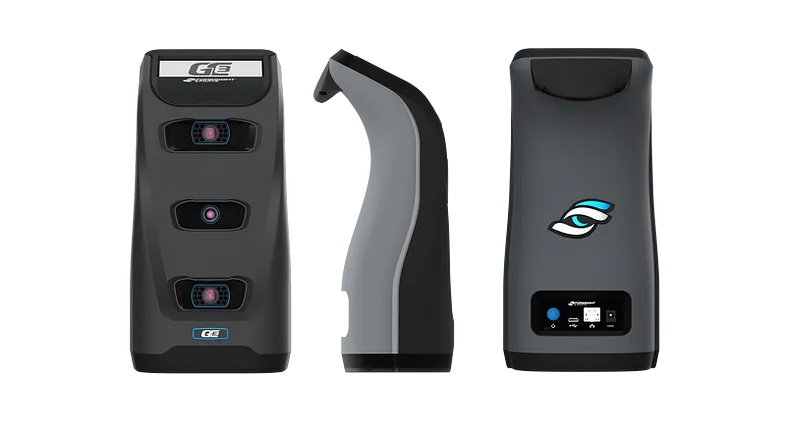
The Foresight Sports GC3S maintains the same hardware and performance standards as the GC3, providing precise ball and club tracking. It delivers accurate data for launch conditions, spin rates, and carry distance, making it one of the most reliable launch monitors available. However, the subscription model changes how users access key features.
For the first year, GC3S buyers receive full access to FSX Play, FSX Pro, GSPro, and club data tracking. After this period, a yearly renewal is required to keep these features active. If the subscription is not renewed, club data tracking is disabled, and FSX Play, FSX Pro, and GSPro become inaccessible.
For golfers comfortable with a subscription-based model, the GC3S provides a lower upfront investment. However, those who prefer to own their launch monitor outright without recurring costs may find this structure limiting.
https://www.youtube.com/watch?v=PtFVa5qz3twKey Differences Between the Foresight Sports GC3S and GC3
At first glance, the GC3S and GC3 look identical, featuring the same triscopic camera system, touchscreen interface, and front-of-ball tracking position. The major distinction is in their pricing structure and software access.
The GC3 includes lifetime access to FSX Play, FSX Pro, and GSPro, along with permanent club data tracking. Once purchased, no additional fees are required to maintain full functionality.
The GC3S introduces a subscription model that requires annual payments to retain full feature access. If the subscription is canceled, club data tracking is disabled, and FSX Play, FSX Pro, and GSPro become unavailable.
This difference makes the GC3 a better long-term option for golfers who plan to use their launch monitor for many years, while the GC3S provides a more budget-friendly short-term alternative.
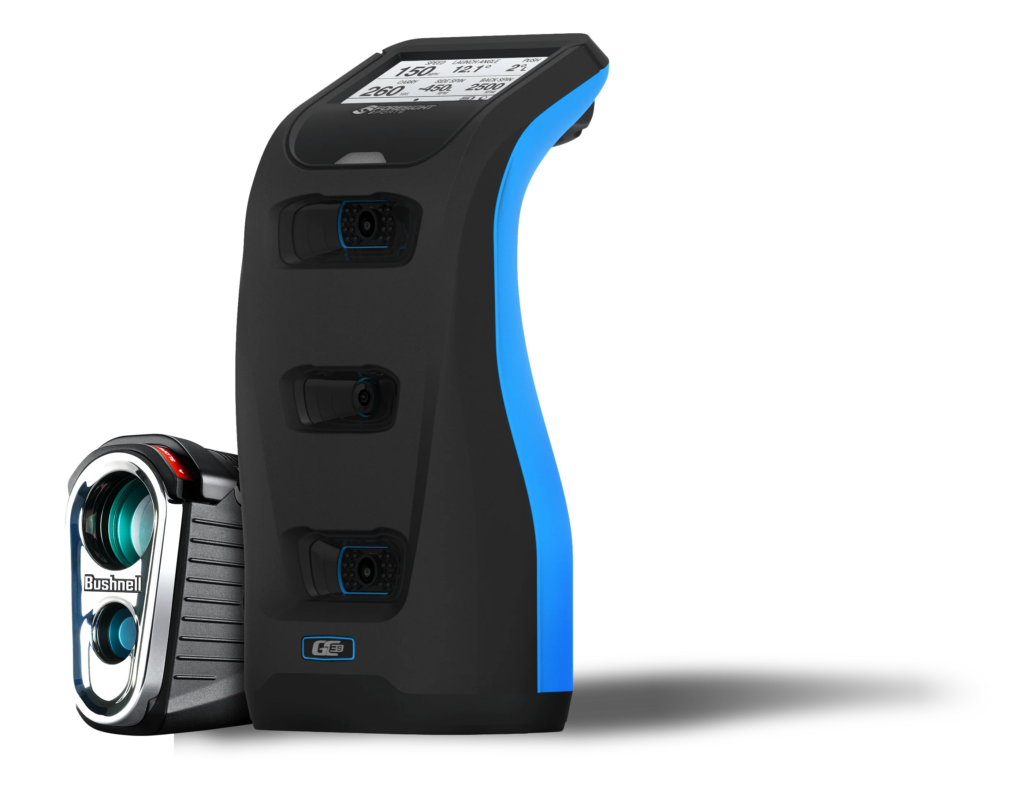
Pricing Breakdown: Is the GC3S Actually Less Expensive?
At first glance, the GC3S seems more affordable, launching at $3,799 compared to the GC3’s $5,999 price. However, once the subscription model is factored in, the long-term cost shifts.
The GC3S requires an annual $499 subscription for continued access to club data and simulation software. Over five years, this adds up to nearly $2,000 in additional costs, bringing the total spent to $5,795-only slightly less than the GC3. By year six, the GC3S becomes more expensive, and if Foresight Sports raises subscription fees, the cost gap widens further.
For those planning to use their launch monitor for several years, the GC3 eliminates long-term financial uncertainty, ensuring all features remain active without recurring fees.
https://www.youtube.com/watch?v=vmUWvp12xn0&t=90sSubscription Model and How It Affects Functionality
Both the GC3S and GC3 integrate with FSX Play, FSX Pro, and GSPro, offering an advanced simulator experience. However, the way users access these platforms differs. The GC3 provides lifetime access, while the GC3S requires an active subscription to maintain functionality.
Each software offers different features that cater to specific golfer needs. FSX Play is designed for those who want a highly realistic golf simulation experience, featuring high-definition course graphics, customizable playing conditions, and accurate ball physics.
FSX Pro, on the other hand, is built for serious golfers and instructors, providing in-depth shot analysis, club data overlays, and detailed performance tracking. Meanwhile, GSPro is a popular third-party simulator software known for its community-created courses, multiplayer capabilities, and affordability compared to FSX software.
For golfers building a home simulator, software access is one of the most important factors in their setup. Many golfers invest in high-end hitting bays, projectors, impact screens, and net enclosures to create an immersive indoor golf experience. Without simulator software, a launch monitor loses much of its functionality, turning it into a basic ball tracker rather than a full simulation tool.
FSX Play’s realistic graphics and GSPro’s community-driven course selection help create an engaging simulator environment. However, with the GC3S, access to these software platforms depends on maintaining an active subscription. If the subscription lapses, all FSX software and GSPro compatibility are revoked, meaning golfers who rely on indoor simulation-especially during the off-season-will lose access to their favorite courses and data tracking tools.
Imagine setting up a winter training space using GSPro and FSX Play, only to have access revoked when the GC3S subscription expires. Suddenly, the courses, analytics, and gameplay you relied on for indoor training become unavailable. The GC3 guarantees software access for life, making it the better option for golfers who depend on simulator play for long-term improvement.
(If you're setting up a golf simulator, check out our full guide on the best simulator setups.)
Performance and Accuracy: Are There Any Differences?
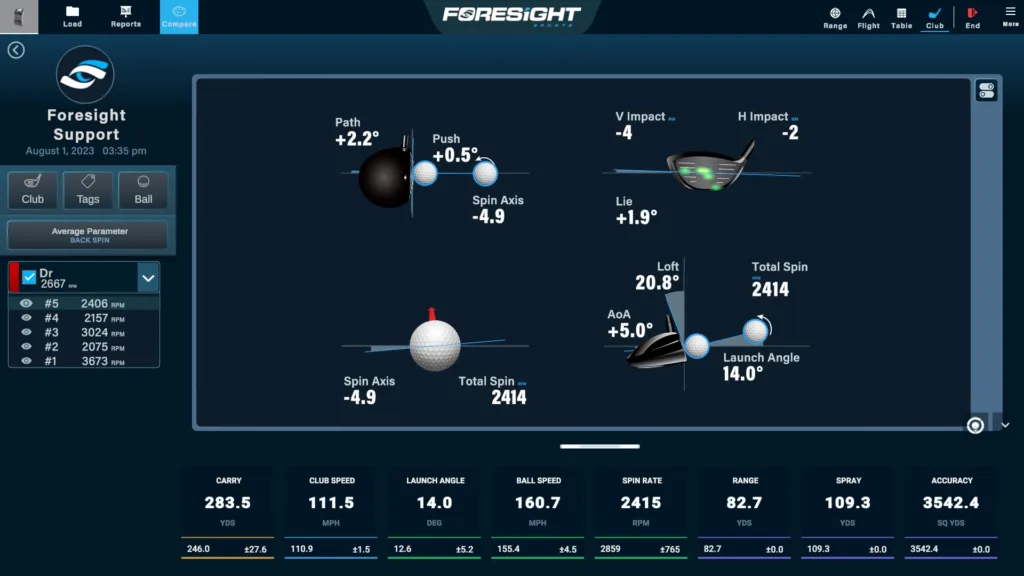
Since both models use the same triscopic camera system, their performance is identical. Both capture ball and club data with high accuracy, providing detailed insights into launch conditions, spin rates, and carry distances.
For golfers who rely on club data for swing analysis, the only difference is how this data is accessed. The GC3 includes club data permanently, while the GC3S requires an active subscription to maintain access.
From a pure performance standpoint, there is no advantage in choosing one model over the other. The real decision comes down to whether ongoing fees are acceptable in exchange for a lower upfront cost.
FSX Software Access and Simulation Experience
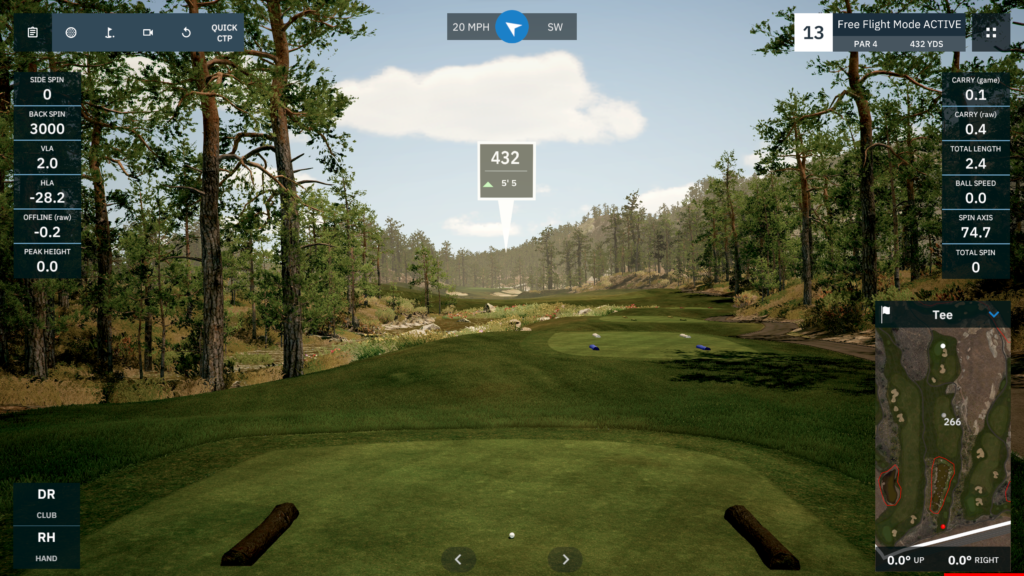
Both the GC3S and GC3 integrate with FSX Play, FSX Pro, and GSPro, offering an advanced simulator experience. However, the way users access these platforms differs. The GC3 provides lifetime access, while the GC3S requires an active subscription to maintain functionality.
Each software offers different features. FSX Play is known for its high-end course graphics, delivering an immersive, lifelike environment. FSX Pro, on the other hand, is data-driven, designed for detailed shot analysis and coaching. Meanwhile, GSPro is a third-party simulator software with community-created courses and a strong online multiplayer experience.
For golfers building a home simulator, software access is a critical factor. Many invest in high-end hitting bays, projectors, and net enclosures to create a realistic golf experience year-round. Without simulator software, a launch monitor loses much of its functionality, reducing it to basic ball tracking.
Imagine setting up a winter training space using GSPro and FSX Play, only to have access revoked when the GC3S subscription expires. Suddenly, the courses, analytics, and gameplay you relied on for indoor training become unavailable. The GC3 guarantees software access for life, making it the better option for golfers who depend on simulator play for long-term improvement.
Best For Simulator SetupsForesight Sports GC3
$6,999
The Foresight Sports GC3 offers pro-level ball and club tracking, reliable indoor performance, and lifetime access to FSX Play, FSX Pro, and GSPro.
Pros:- No Subscription Required
- Same High-End Accuracy as the GC3S
- Better Long-Term Value
Cons:
- Higher Initial Cost
- No Pay-As-You-Go Option
Which Launch Monitor Should You Buy?
Choosing between the GC3S and GC3 depends on how long you plan to use your launch monitor and whether you are comfortable with a subscription-based model.
The GC3S is ideal for golfers looking for a lower upfront cost and don’t mind an ongoing subscription. It provides pro-level accuracy, club tracking, and access to FSX Play and GSPro, but only while the subscription remains active. Those who prefer flexibility in payments may find this structure manageable, especially if they only need a launch monitor for a few years.
The GC3 is the better choice for long-term users who don’t want to deal with subscriptions. It offers the same tracking accuracy but ensures lifetime access to FSX Play, FSX Pro, GSPro, and club data tracking. This means users never have to worry about losing features due to a lapsed subscription, making it the more financially stable option over time.
If you plan to use your launch monitor for 5+ years and want full control over your data, the GC3 is the better financial decision. If you’re looking for a short-term, lower-cost option with subscription flexibility, the GC3S may work-but keep in mind that the total cost could eventually exceed the GC3.
Still deciding between the GC3S and GC3? Let us know your budget, simulator setup, and goals in the comments, and we’ll help you pick the best option!
Frequently Asked Questions
Should I buy the GC3 or GC3S?
If you plan to use the monitor for 3+ years, the GC3 is better value despite its higher upfront cost because it doesn't require a subscription. The GC3S is better if you want a lower initial investment and don't mind the $499/year subscription.
Are the GC3 and GC3S equally accurate?
Yes. Both use the same triscopic camera technology and deliver identical accuracy for all ball data metrics.
Can I upgrade from GC3S to GC3?
No. They are separate products. You would need to purchase the GC3 separately if you want to switch.
Related Articles
Check out these related guides and reviews from Par Percision: