
The SkyTrak+ is known for being surprisingly accurate for a $1,995 launch monitor, usually landing within about 5 percent of premium units like the GCQuad on ball data and within a couple MPH or degrees on key metrics. Once the alignment and ball placement are set right, the numbers settle in and feel consistent swing after swing.
What stood out to me is how stable the readings get once everything is dialed in. The dual Doppler radar cleans up the misreads the original SkyTrak struggled with, and the wider hitting zone makes it easier to swing freely without worrying about exact ball position. It still has a few quirks, but the core accuracy is absolutely there for most swings.
The SkyTrak+ sits in that sweet spot where the numbers feel trustworthy enough to guide your practice without needing to pay GCQuad money. It is not perfect, but the accuracy holds up in a way that makes real improvement possible.
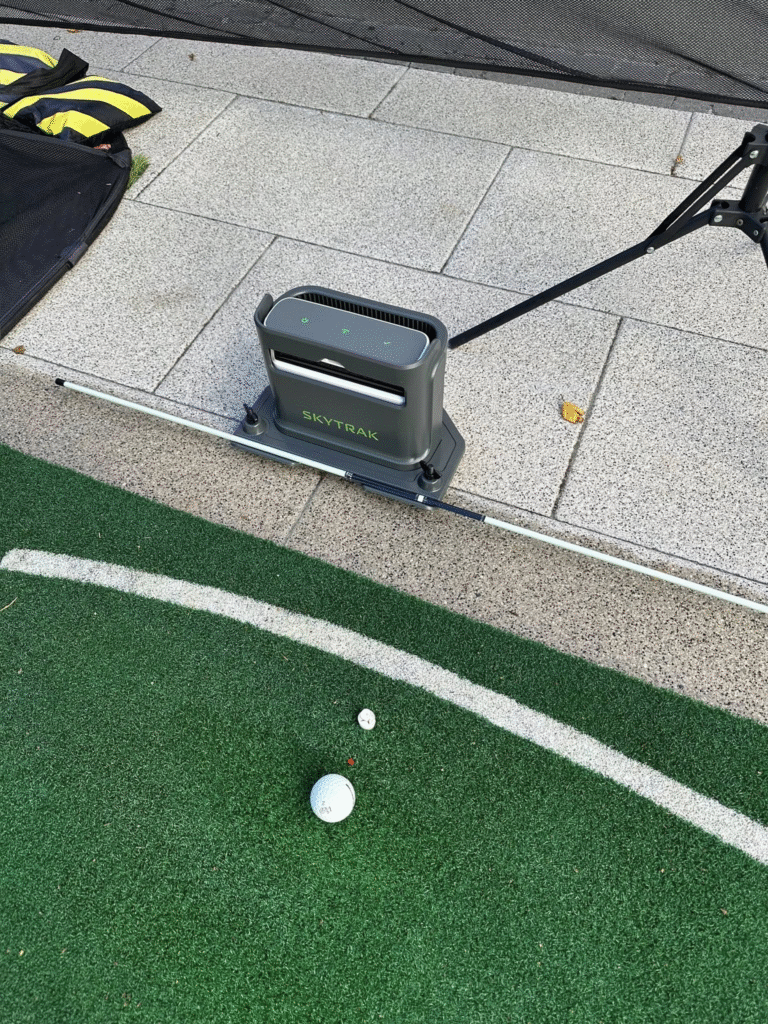
How SkyTrak+ Performs on Real Swings
The biggest thing to understand is that SkyTrak+ accuracy is not random. It follows patterns. Ball speed usually sits within 1 to 2 MPH of higher end monitors, launch angle stays close, and spin tends to fall within a few hundred RPM. These margins are normal even on expensive systems, and most golfers never feel the difference.
What matters most is how the ball flight matches your intention. If you hit a draw, the screen reflects it. If you leak it right, the shot shape lines up with what you felt. That consistency is what makes the unit usable for mid irons, wedges, and driver work. You can trust the feedback without second guessing the monitor.
Short game is where the variation shows up. Very slow chips and soft putts under 5 feet are still the SkyTrak+ weak spot. Everything above that reads clean.
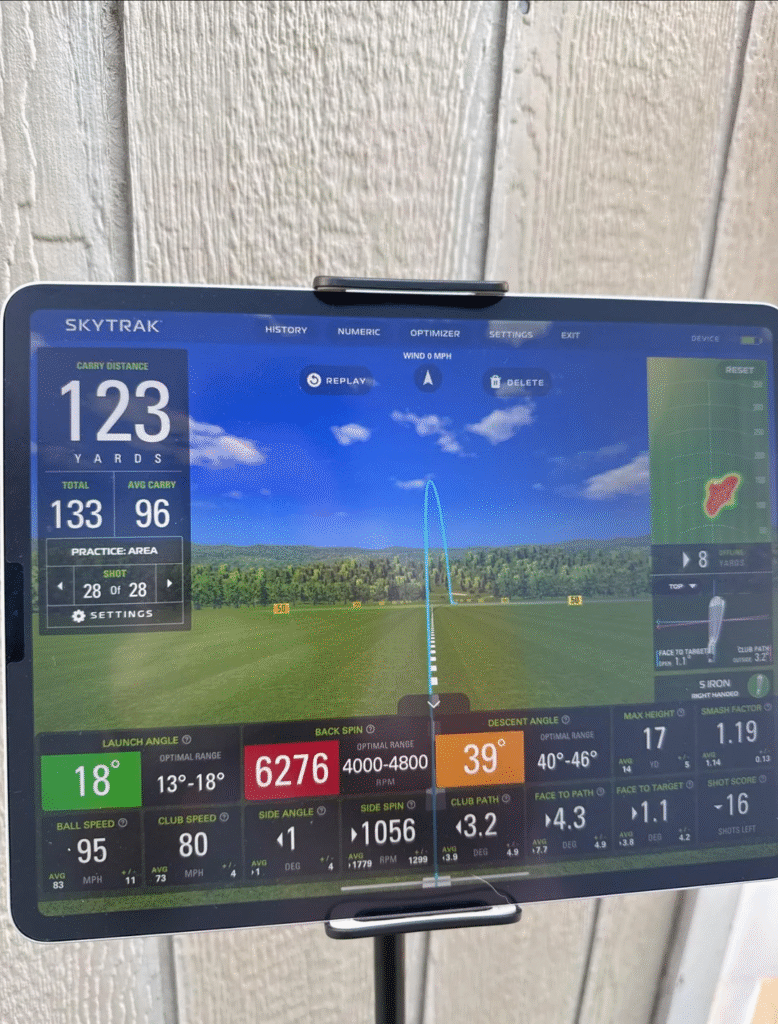
Why SkyTrak+ Accuracy Feels This Solid
The accuracy comes from how the radar and camera blend their inputs. The dual Doppler radar tracks club movement through the hit, so face angle, club path, and low point become more stable. The camera locks onto the ball at launch, and the improved sensor gives you a wider strike window.
When both systems agree, the ball flight model fills in the remainder. SkyTrak upgraded this model with better machine learning, so the ball reacts more like it would on the course. This is why the Plus version reads lower spin drivers and higher spin wedges more realistically than the original.
The end result is a system that feels trustworthy when the environment is set up right.
Accuracy Across Different Clubs
With driver, the reads stay close enough to help you understand your launch windows. Spin is the most likely metric to drift, but the ball flight still lines up with what you expect. You can work on shaping, height, and distance control without the screen feeling off.
Mid irons are where the SkyTrak+ feels the strongest. Distance gaps hold steady. Launch is predictable. Spin hovers in a range you can actually work with. If you are trying to build a repeatable iron swing, this is where the unit earns its value.
Wedges show slightly more variance, especially when you crank spin up or take speed down. The reads are still usable and consistent enough that you can work on flighting shots or controlling trajectory without worrying about fake numbers.
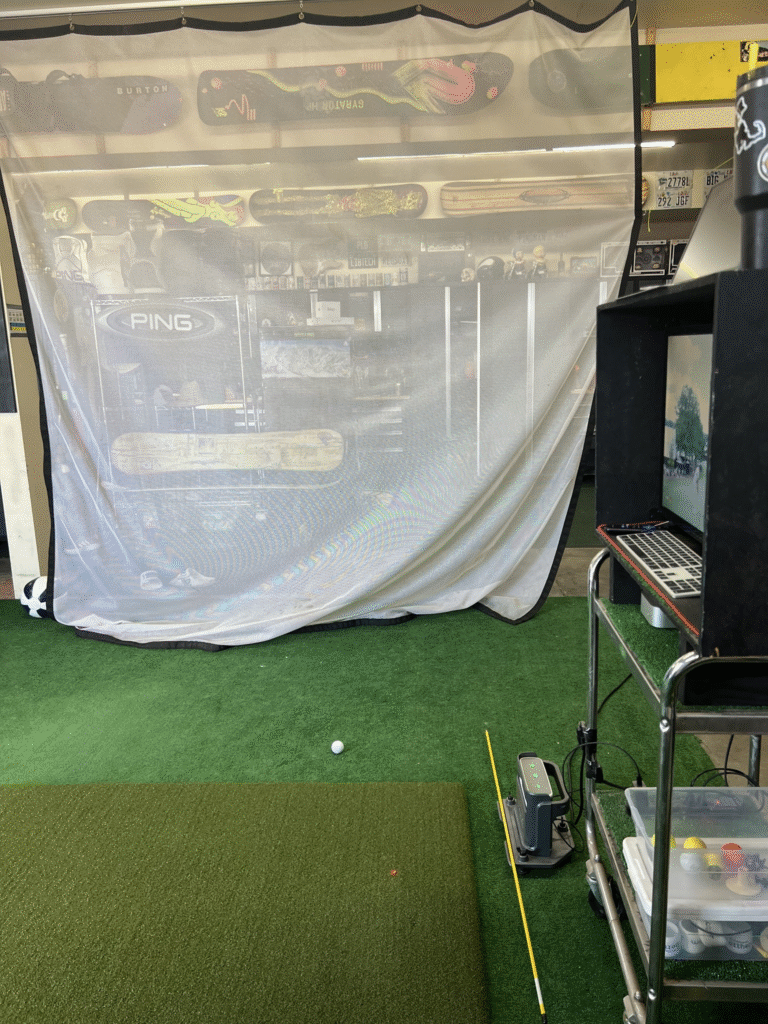
The Setup Mistakes That Throw Off Accuracy
Most SkyTrak+ complaints come from setup, not the hardware. The unit is sensitive to alignment, lighting, and leveling.
If it sits even a little crooked, launch and spin start drifting. When the lens faces a bright light source or a shadow crosses the hitting zone, the tracking becomes inconsistent. Leveling is just as important. A tilted unit changes the way the camera sees the ball.
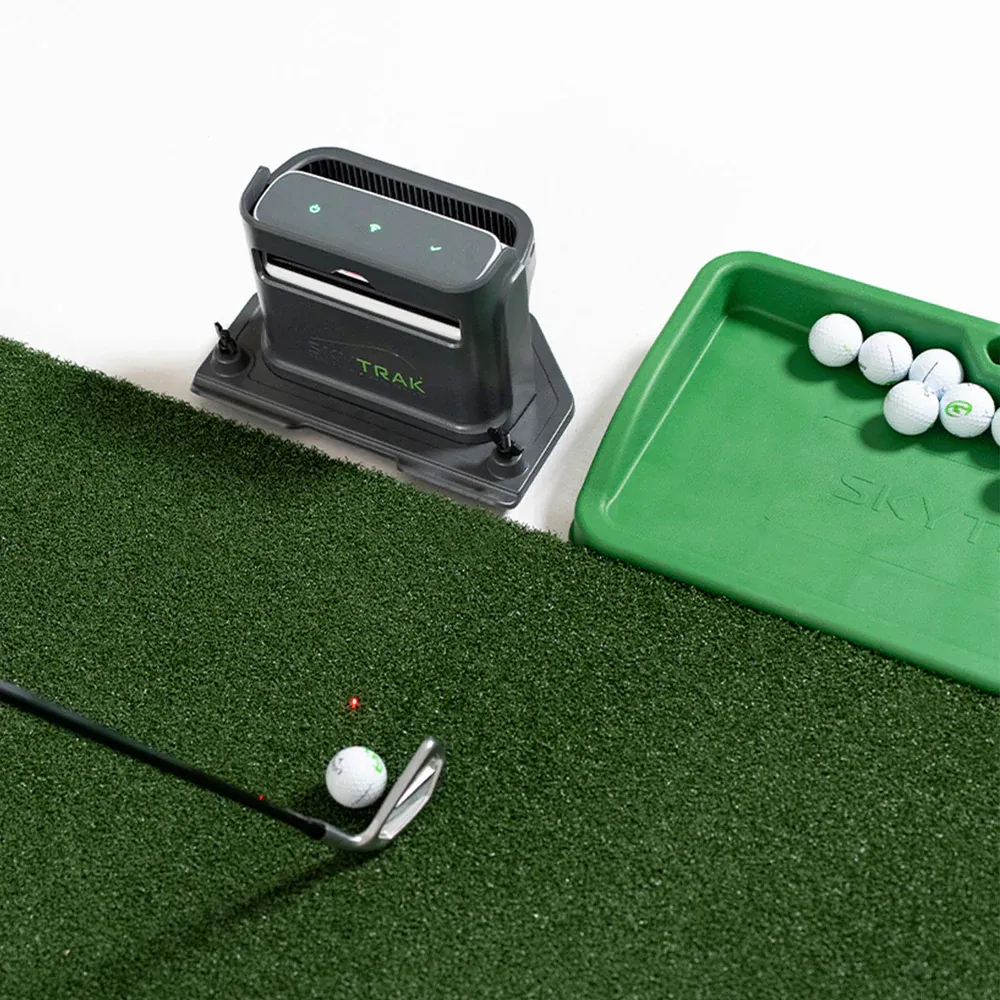
Ball placement is simple with the laser dot, but tiny adjustments make a difference. Faster swings often read better with the ball slightly behind the dot. Slower wedge shots sometimes read cleaner when the ball sits a touch in front.
When these things are correct, the accuracy jumps noticeably.
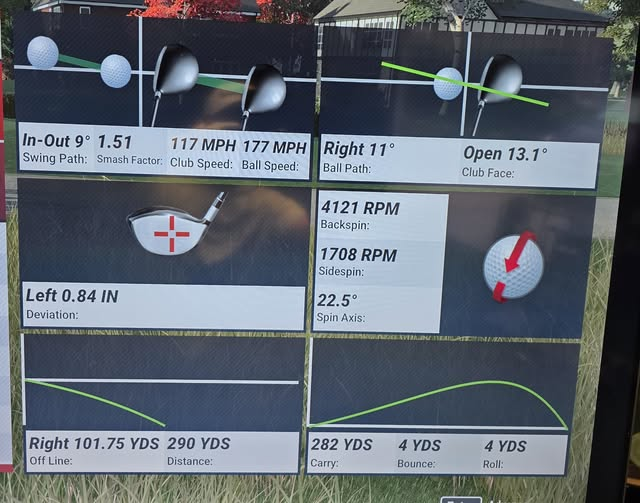
Where SkyTrak+ Feels the Most Accurate
Full swings are the strength of the system. Driver, fairway woods, irons, and wedge shots above chip speed all read in a window that feels believable. If your goal is to build consistency, work on distance control, or practice shot shaping, SkyTrak+ delivers accurate enough data to actually help.
The biggest advantage is how repeatable the numbers feel. Once the environment is stable, the feedback stays stable.
Where SkyTrak+ Shows Its Limits
The weakest area is short game under low speeds. Soft chips and certain putts can miss or drift. These shots are challenging for almost every launch monitor under $4,000.
High spin wedge shots sometimes show more variance than expected, but the flight still lines up with what you feel through impact. These limits do not ruin the experience, but they are worth knowing.
Final Take on SkyTrak+ Accuracy
The SkyTrak+ is far more accurate than most golfers expect at this price. When the setup is correct, the numbers stay close to GCQuad and TrackMan in a way that feels good enough to trust for real practice. You get consistent ball flight, believable spin windows, and stable launch readings.
It is not flawless, but for $1,995, it delivers accuracy that makes home practice meaningful without needing studio level hardware.
SkyTrak+SkyTrak+ Accuracy vs Competitors
Putting the SkyTrak+ next to other monitors in its price range helps frame how the accuracy stacks up in real terms.
Against the FlightScope Mevo+, the SkyTrak+ tends to hold tighter spin readings indoors. The Mevo+ uses radar tracking that needs more depth behind the ball to produce its best numbers, which means indoor accuracy can suffer in shorter rooms. SkyTrak+ sits beside the ball and reads impact directly, giving it an edge in compact home setups where most golfers actually practice.
Compared to the Bushnell Launch Pro, the gap narrows. The Bushnell Launch Pro uses Foresight photometric technology and delivers slightly tighter spin consistency, especially on wedge shots. However, the Bushnell Launch Pro costs more and requires an additional subscription for club data. On raw ball data alone - ball speed, launch angle, carry distance - the SkyTrak+ holds its own and often matches the Bushnell within 1 to 2 percent.
Against the Garmin Approach R10, the SkyTrak+ wins clearly on accuracy. The R10 is a solid entry-level device for outdoor use, but its indoor spin readings tend to be less consistent, and the ball flight model relies more heavily on estimation. The SkyTrak+ provides a noticeably tighter data window that makes practice sessions more productive.
When compared to premium units like the GCQuad or TrackMan 4, the SkyTrak+ gives up precision at the margins. Spin axis readings, face-to-path calculations, and impact location data are more refined on those higher-end systems. But for the metrics that matter most in daily practice - carry distance, ball speed, total spin, and launch angle - the SkyTrak+ stays within a range that most golfers cannot feel the difference.
Tips for Getting the Most Accurate Readings
The SkyTrak+ is capable of very consistent accuracy, but only when the environment and setup are working in its favor. A few adjustments can make a meaningful difference in data quality.
First, control your lighting. The SkyTrak+ camera performs best under even, diffused lighting without harsh shadows crossing the hitting zone. Avoid direct overhead spotlights that create high-contrast shadows on the mat. If your space has windows, use blackout curtains or blinds to keep sunlight from shifting across the hitting area during your session.
Second, check alignment every session. The SkyTrak+ should be perfectly parallel to your target line and sitting level on the mat or floor. A quick visual check takes five seconds and prevents the kind of drift that makes launch angle or side spin readings feel off. Some golfers mark the unit's position on their mat with a small piece of tape so it goes back in exactly the same spot every time.
Third, use a consistent ball. The SkyTrak+ reads the ball's surface to track spin and launch. Using range balls with scuffed covers or mismatched brands introduces small inconsistencies that have nothing to do with the monitor. Premium balls like the Pro V1 or Chrome Soft give the cleanest reads because the dimple patterns are uniform and the cover reflects light predictably.
Fourth, give the unit a few warm-up shots after powering on. The first two or three swings sometimes produce slightly different readings as the system calibrates to the lighting and ball position. Treat those initial shots as throwaway data and start tracking once the numbers settle.
Finally, keep the lens clean. Dust, fingerprints, or debris on the camera lens can degrade tracking quality over time. A quick wipe with a microfiber cloth before each session keeps the optics performing at their best.
Frequently Asked Questions
How accurate is the SkyTrak Plus?
The SkyTrak+ is accurate within approximately 1-2 mph for ball speed, 150-200 RPM for spin rate, and 0.3-0.5 degrees for launch angle when compared to TrackMan benchmarks. It's one of the most accurate monitors under $5,000.
Is the SkyTrak Plus accurate enough for club fitting?
The SkyTrak+ provides sufficient accuracy for basic club fitting comparisons. However, professional club fitters typically use GCQuad or TrackMan for the highest precision requirements.
Does the SkyTrak Plus accuracy change outdoors?
The SkyTrak+ can be less consistent outdoors in bright sunlight since it uses photometric cameras. For the best accuracy, use it in controlled indoor lighting.
Related Articles
Check out these related guides and reviews from Par Percision: