
The TrackMan iO doesn’t change based on the version you buy. The ceiling unit stays the same, the accuracy stays the same, and the tracking system never changes.
The only difference shows up once the software loads and you see the tools each version unlocks. The Home package gives you the essentials. The Complete package opens everything TrackMan iO offers. Once you understand that split, choosing between them becomes a lot easier.
What TrackMan iO Home Actually Gives You
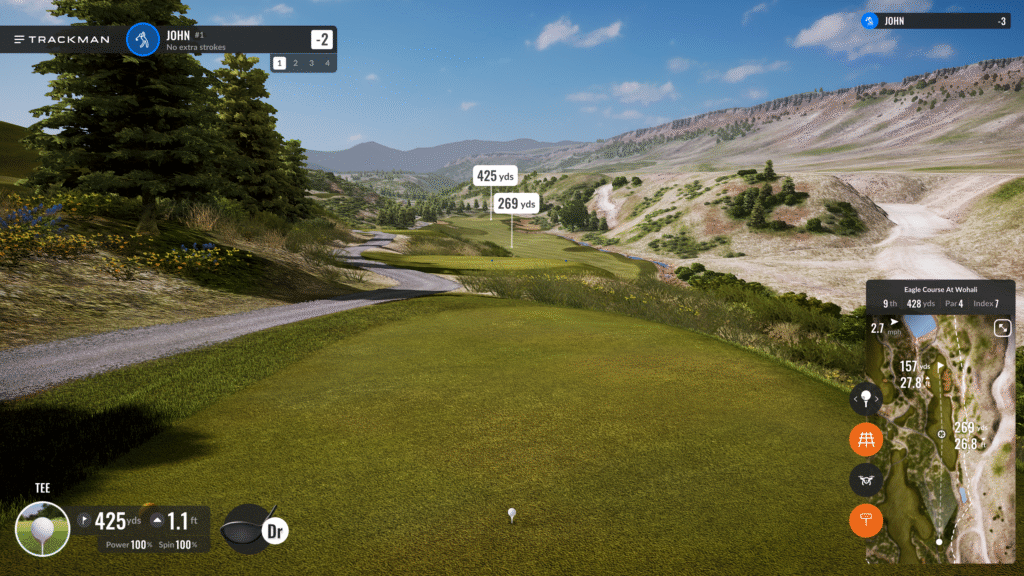
TrackMan iO Home focuses on clean, reliable practice. You get accurate ball data, dependable carry numbers, and a simple range environment that stays out of your way. The interface loads fast, the layout stays clean, and nothing feels cluttered or overwhelming.
Ball data includes ball speed, launch angle, spin rate, carry distance, side angle, and curvature. That’s enough for distance control, shaping shots, and consistent practice without digging through technical screens.
Home also includes a smaller course library for simulator play. It gives you enough options to enjoy the setup, but it doesn’t include the full TrackMan catalog.
The Home version does not include club data. You won’t see face angle, club path, attack angle, dynamic loft, or impact location. If you’re only focused on ball flight or you prefer a straightforward indoor setup, the missing club metrics won’t slow you down.
The Home package lists at $13,995.
What TrackMan iO Complete Unlocks
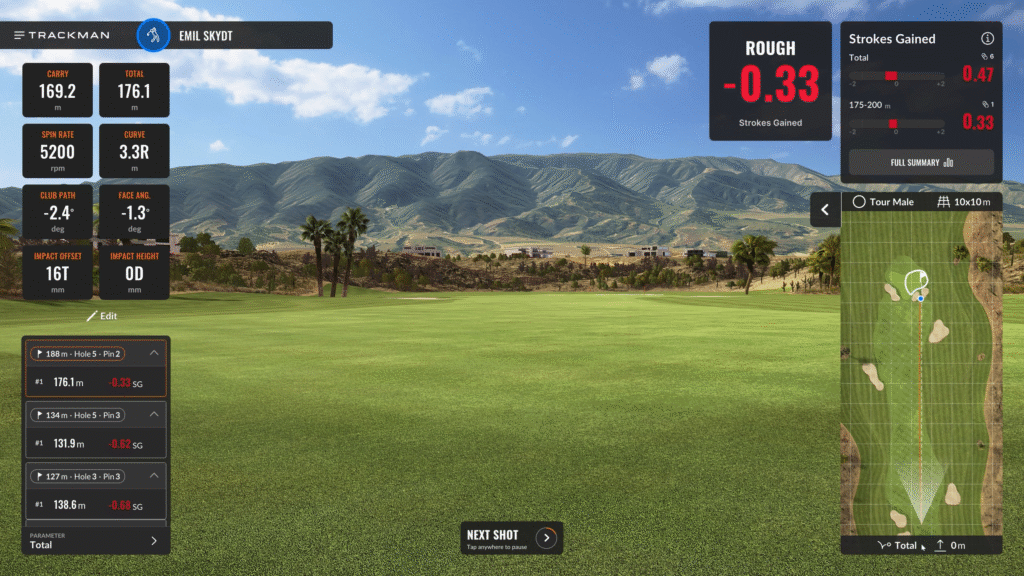
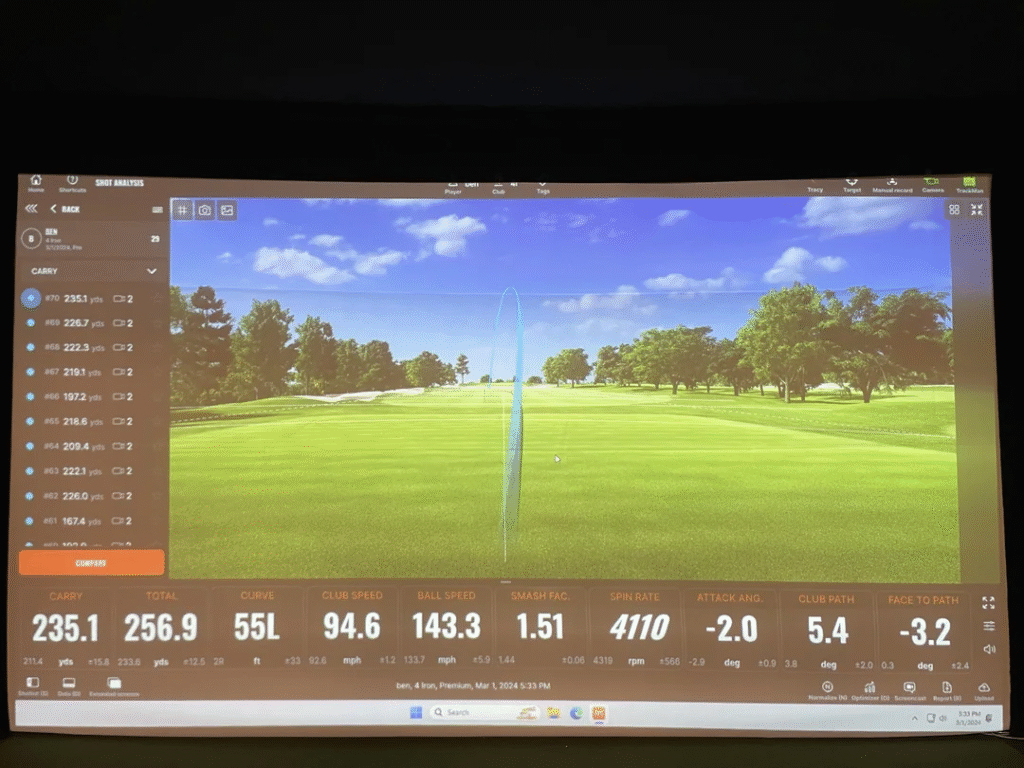
TrackMan iO Complete turns the iO into a full training system. The biggest upgrade is the unlocked club data. You get face angle, path, attack angle, dynamic loft, and impact location paired with visual impact feedback. This is the point where sessions start to feel different because you stop guessing what happened at impact and start understanding why the ball flew the way it did.
Complete also unlocks the deeper analysis tools inside the TrackMan ecosystem. You get shot analysis, progress tracking, session summaries, benchmarks, and the optimizer that shows how your numbers compare to ideal performance ranges. Patterns become clearer, and long-term improvement becomes easier to measure.
The content difference matters too. Complete gives you the full library of 350+ courses, every game mode, every practice environment, and all simulator features. It turns the iO into a long-term entertainment setup and a full training environment at the same time.
The Complete package lists at $23,495.
Ball Data vs Club Data (Side-by-Side)
Home Version
- Ball data only
- Simple practice environment
- Smaller course selection
- Fast and clean interface
- Ideal for accuracy-focused practice
Complete Version
- Ball and club data
- Impact visuals
- 350+ courses
- Full training tools
- Performance tracking and analysis
This is the core difference between the two versions. Home gives you the essentials. Complete gives you everything.
Subscription Requirements
A subscription is required for full access to courses, advanced practice tools, game modes, analysis features, and data sharing. Some basic practice functions may still work without a subscription, but the overall simulator experience becomes limited.
Does TrackMan iO Need Stickers?
No. The TrackMan iO does not require club stickers or marked balls. It tracks ball and club data without any add-ons, which keeps the setup clean and simple.
Which One Should You Choose?
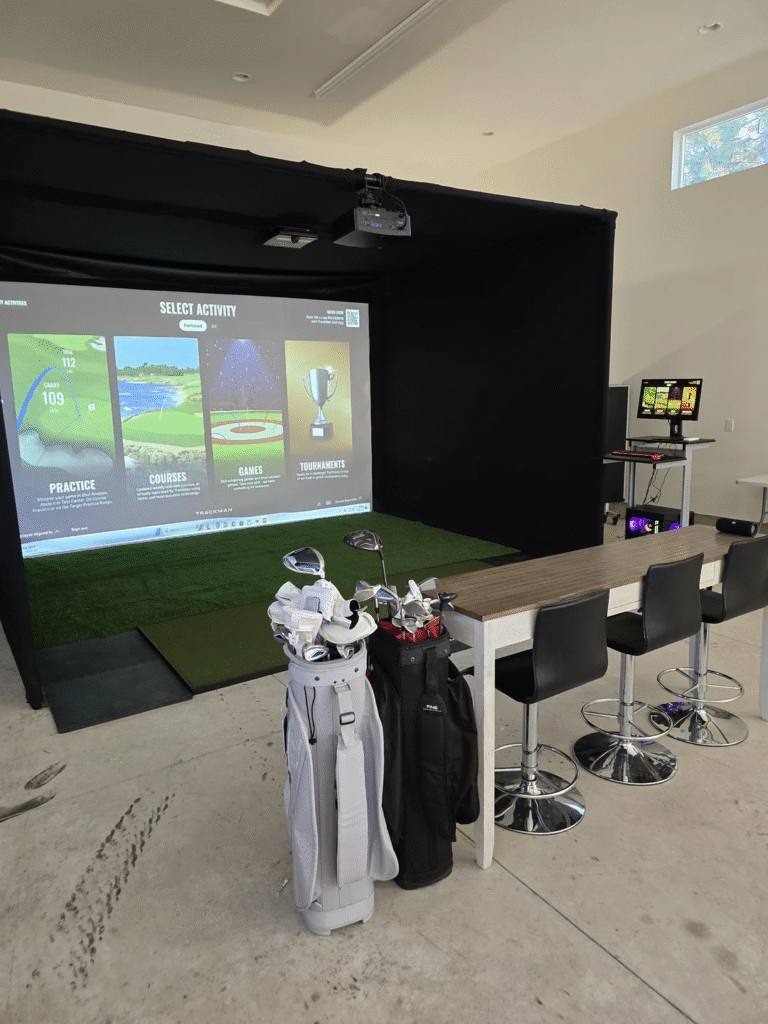
TrackMan iO Home makes sense if you want premium accuracy without needing every tool TrackMan offers. It feels natural for golfers who want simple sessions, dependable ball feedback, and a simulator that’s easy to use daily. If your focus is distance control, shot shape, or a stress-free range setup, Home fits that lane perfectly.
TrackMan iO Complete fits golfers who want depth. If you value understanding face angle, path, attack angle, and impact location, Complete becomes the better fit. The larger course selection and full training suite make it easier to keep practice fresh while tracking measurable progress over time.
Both versions use the same hardware. Both versions deliver the same accuracy. The choice depends on how much information you want and how deep you want to go with your training.
Final Thoughts
The hardware never changes. The ceiling unit is the same no matter which version you choose. The real difference is the software layers sitting behind your swings and how much feedback you want each time you step into your bay.
Home gives you a clean, streamlined simulator experience without extras that you may never use. Complete turns your setup into a full training environment with detailed swing feedback, shot analysis, and every course TrackMan offers.
If your goal is simple, consistent practice, Home covers everything required. If your goal is long-term improvement, more structure, and deeper feedback, Complete becomes the version that truly moves your game forward.
TrackMan iOSoftware and Course Access Differences
The software gap between Home and Complete is larger than most people expect. Home gives you a practice range, basic shot data, and a limited set of courses to play. It works fine for warming up, grinding on a specific club, or running casual rounds when you want something simple on screen.
Complete unlocks the full TrackMan software ecosystem. That means access to all 350+ courses, including high-fidelity versions of Pebble Beach, Bethpage Black, St. Andrews, and other iconic layouts. It also opens up TrackMan's competitive features like online matchplay, closest-to-the-pin challenges, and virtual tournaments that let you compete against other TrackMan owners around the world.
The practice tools inside Complete go deeper too. You get the TrackMan Optimizer, which compares your launch conditions to ideal performance windows for each club. The Combine assessment gives you a scored benchmark you can track over time, which is exactly how touring professionals measure their range sessions. Session history stores your data so you can review trends across weeks and months rather than just looking at a single session snapshot.
Home does not include video integration. Complete pairs swing video with shot data, which means you can see exactly what your body did on a specific shot and connect the movement to the numbers. For golfers working with an instructor remotely, this feature alone can justify the upgrade because it removes the guesswork from lesson follow-ups.
One detail worth noting is that TrackMan's course graphics and physics modeling are among the best in the industry. The ball reacts to slope, firmness, wind, and altitude in a way that feels close to real-course conditions. If course play is a big part of why you want a simulator, the limited library in Home may start to feel restrictive after a few months.
Which Package is Right for Your Budget?
At $13,995, the Home package is already a serious investment. The question is whether spending an additional $9,500 for Complete makes sense for how you plan to use the system.
If your primary goal is having a premium indoor range with reliable ball data, Home delivers that without any compromise. The tracking is identical to Complete because the hardware never changes. You still get TrackMan-level ball speed, spin, carry, and trajectory readings on every swing. For golfers who care most about hitting consistent shots and tracking distance gaps, Home provides everything needed to improve.
Complete becomes the better value when you plan to use the simulator daily, want structured practice with scoring and benchmarks, or care about having a deep course library for entertainment. Golfers who host friends for simulator rounds will get more out of Complete because the full course catalog and game modes keep sessions fresh. Players working through swing changes with a coach will appreciate the video and analysis tools that Home does not offer.
Budget-conscious buyers should also factor in the ongoing subscription cost. Both packages require a subscription for full access, and the annual fee for Complete-level features is higher. Over a five-year ownership window, those recurring costs add up and should be part of your total cost calculation.
A practical approach is to start with Home and upgrade later if you find yourself wanting more. TrackMan allows upgrades between packages, so you are not locked into a permanent decision at the point of purchase. This lets you experience the system first and decide whether the deeper tools are worth the investment based on actual usage rather than assumptions.
Frequently Asked Questions
What's the difference between TrackMan iO Home and Complete?
The Home package provides basic ball data and limited courses. The Complete package adds advanced club data, the full course library, video integration, and performance analytics. The Complete is significantly more expensive.
Which TrackMan iO package should I buy?
The Home package is sufficient for entertainment and casual practice. The Complete package is better for serious golfers who want detailed swing analytics and club fitting data.
Can I upgrade from Home to Complete?
Yes. TrackMan allows upgrading between packages, though the upgrade cost varies. Contact TrackMan directly for current upgrade pricing.
Related Articles
Check out these related guides and reviews from Par Percision: